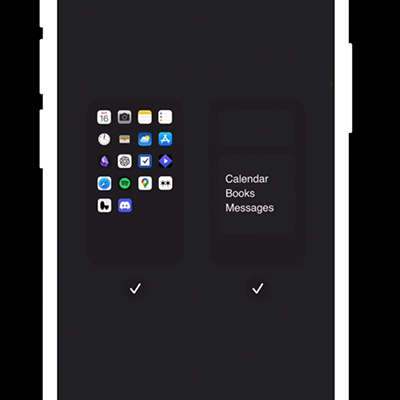
Add the widgets
Video tutorial
1️⃣ Open the widgets menu
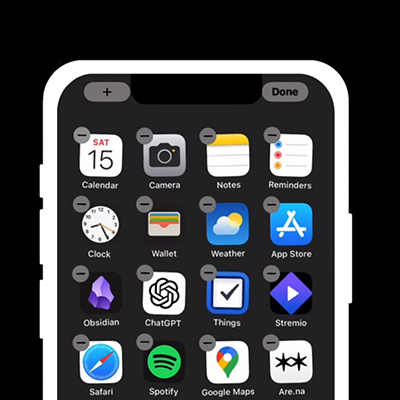
Go to your home screen. Press and hold. Long-press on an empty area until all the apps start wiggling. At the top left, tap the edit / add widget icon to open the widgets menu.
2️⃣ Find the Blank widget
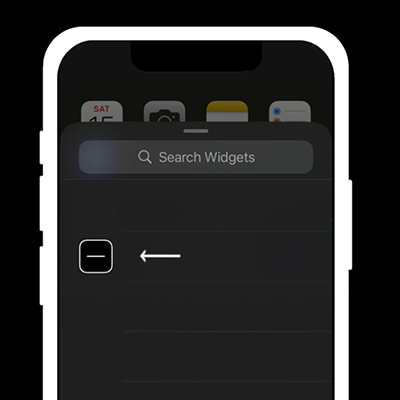
Search for “Blank” and tap the Blank widget. You can identify it by its minus sign logo.
3️⃣ Add the Blank widgets
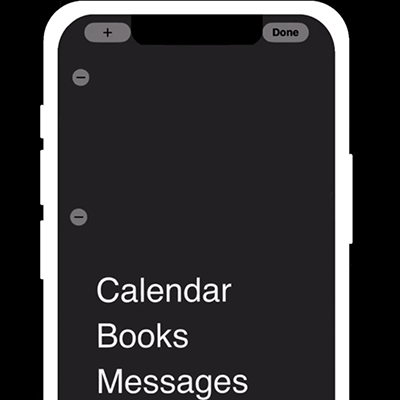
Add the medium top widget and the large bottom widget to your Home Screen by clicking the plus button at the bottom.
4️⃣ Hide extra pages
Long-press on an empty area of your Home Screen. Tap the dots at the bottom to bring up the edit pages screen. Tap the check mark under the pages you want to hide.