How to lock apps
Block distracting apps on your iPhone by setting up app locks in Blank Spaces. Schedule locks and choose from multiple unlock methods.
Blank Spaces can interrupt you before you open a distracting app. When you try to open a locked app, you'll need to complete a challenge first - a breathing exercise, a passcode, push-ups, or going outside. This friction breaks the habit of mindless opening.
1. Enable permissions
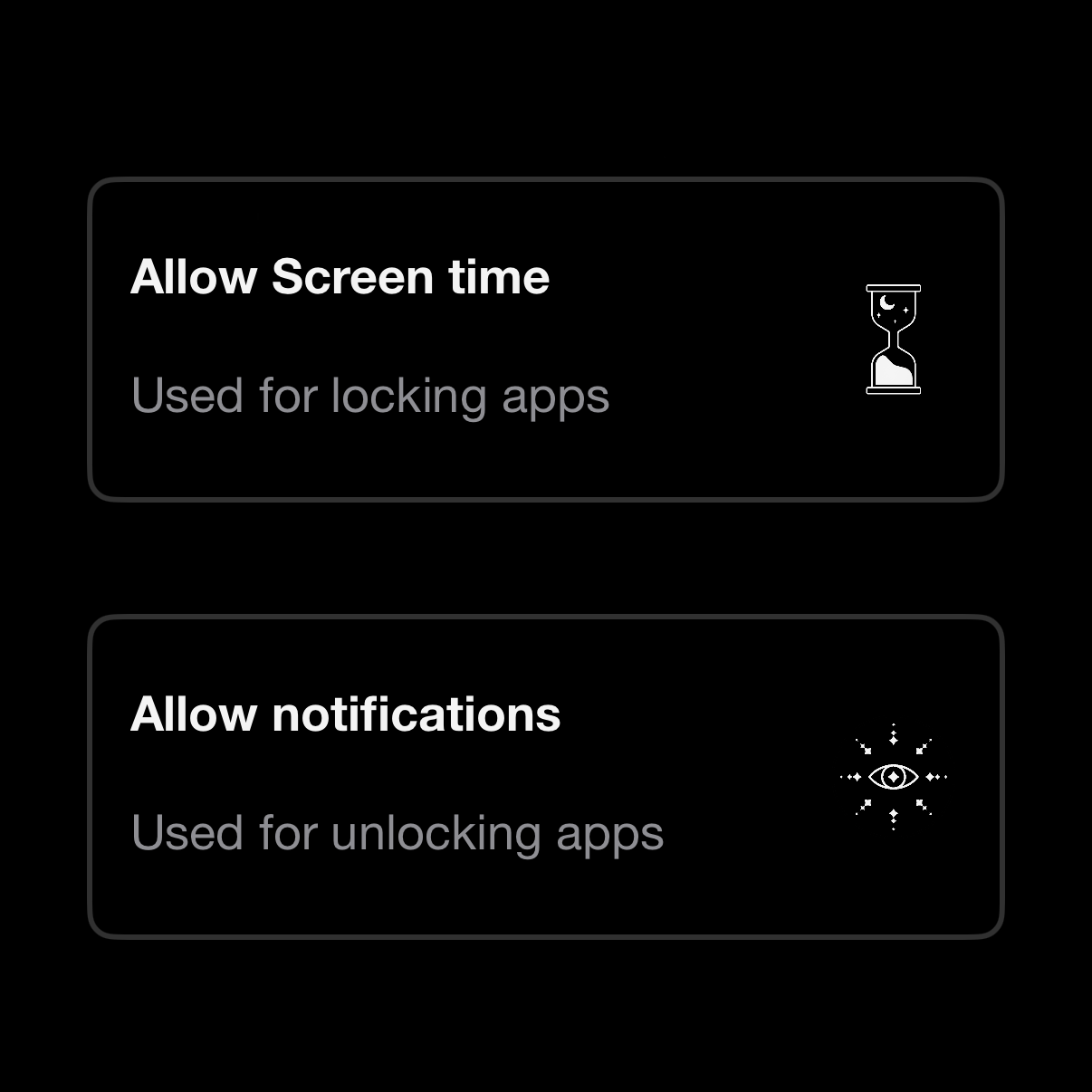
In Blank Spaces, tap the lock button at the bottom. Enable both permissions:
Screen Time - lets Blank Spaces interrupt apps when you try to open them
Notifications - triggers the unlock challenge Both are processed on-device. No data leaves your phone.
2. Create a lock
Tap the + button at the bottom
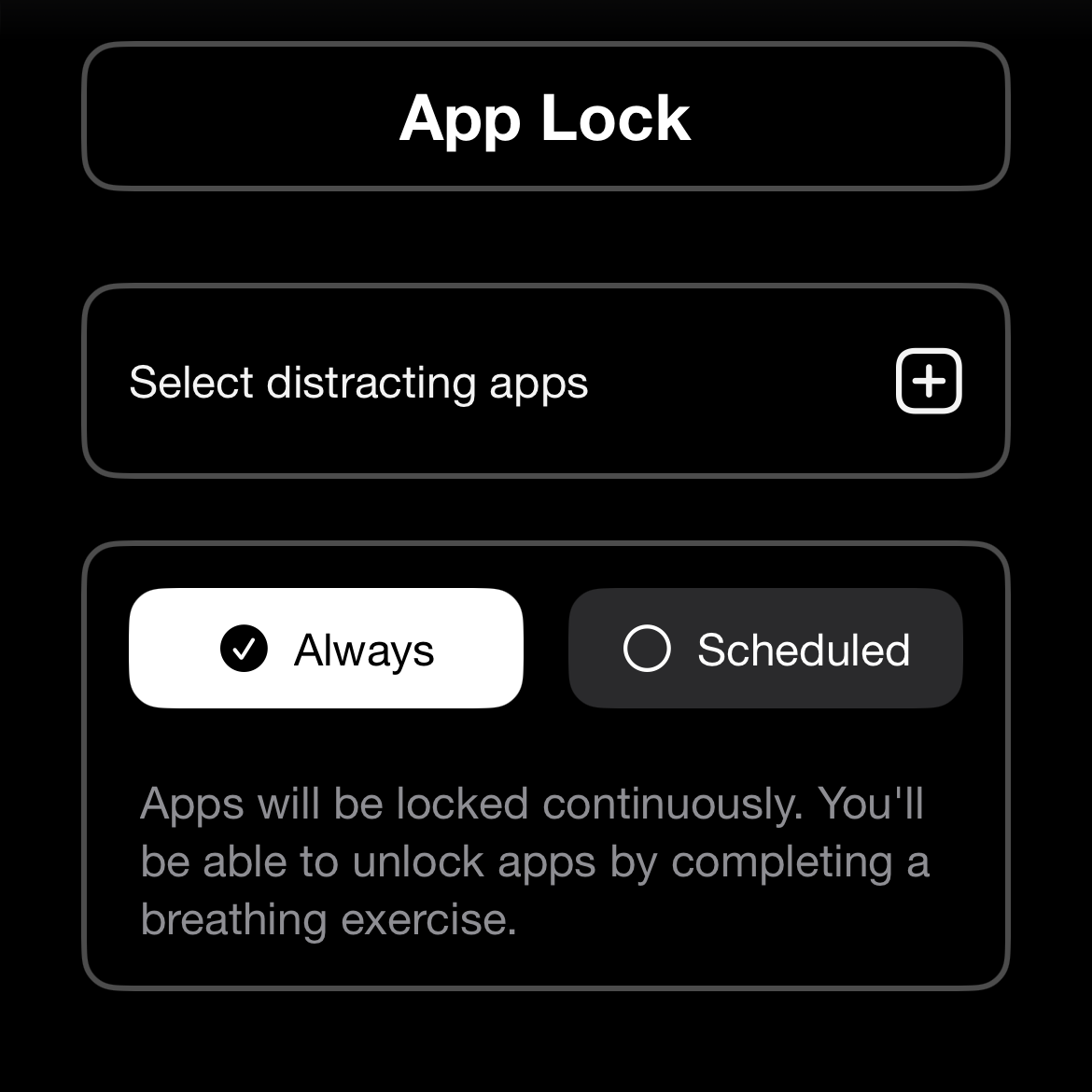
Select the apps you want to lock
Choose when the lock is active:
Always - locked continuously
Scheduled - set specific times and days of the week
Tap Save
3. Choose lock type
Tap the key icon at the top right to pick how you unlock locked apps:
Breathe - complete a breathing exercise
Code - enter a 4-6 digit passcode
Touch grass - go outside (uses camera to verify)
Push-ups - do push-ups (uses camera to count)